Phone-controlled live experiences for conferences, venues, and activations

NO SPECTATORS.

Screenjam gives every guest a controller in their hand and turns the biggest screen in the room into a shared live moment. One scan gets you welcome screens, trivia, voting, games, prize draws, and finales without switching tools.

Welcome screensLive triviaAudience votingArcade roundsPrize drawsSponsor moments
Every guest gets a controller. Every screen gets a job.
One themed deployment example
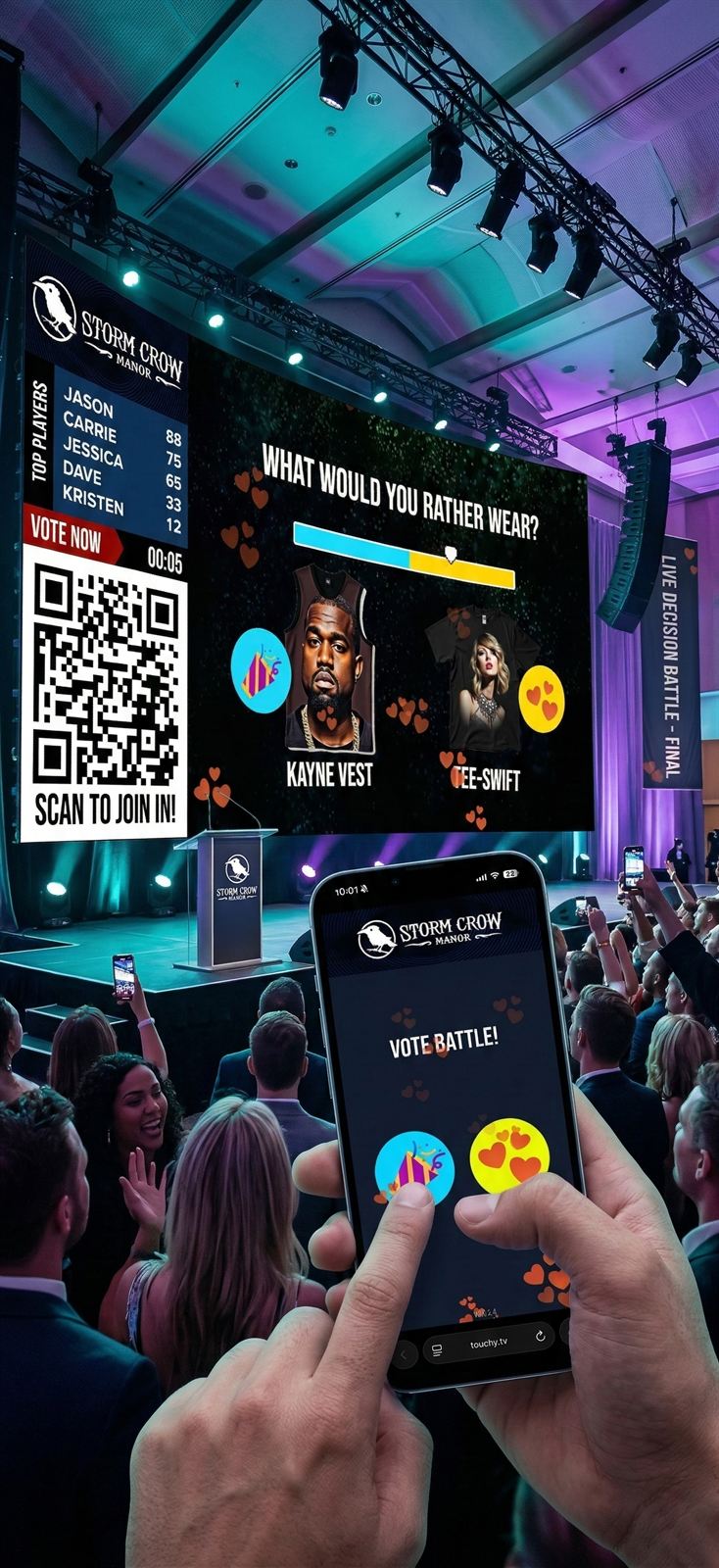
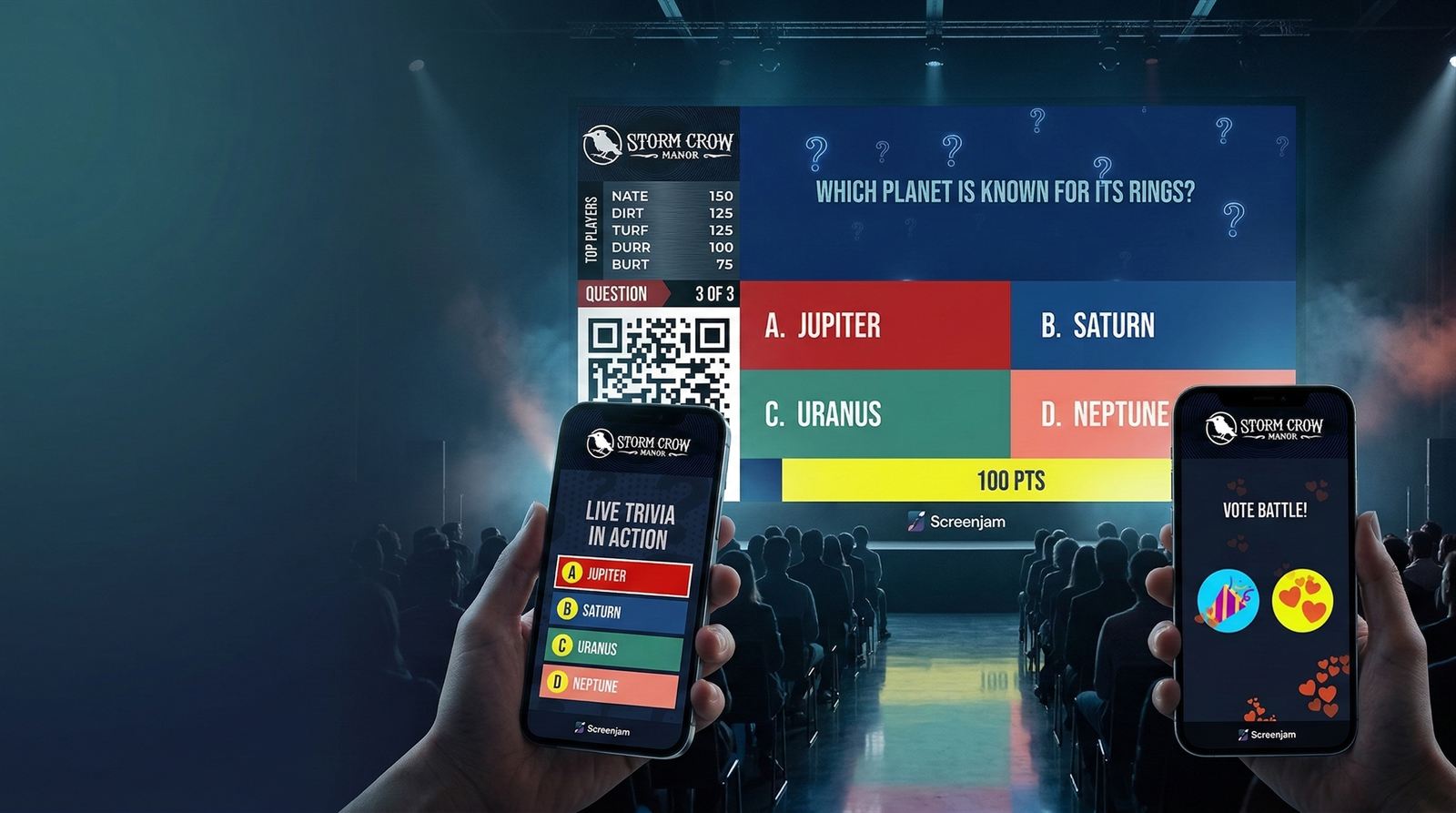
Screenjam stage-ready event mockup showing a large screen, phones, and live audience states
Guests: scan and join in seconds Room: one shared screen story Operators: switch moments without switching tools

The Problem With Most Events

Every event has dead zones.

The moments when the room quietly checks out. You know exactly which ones they are.

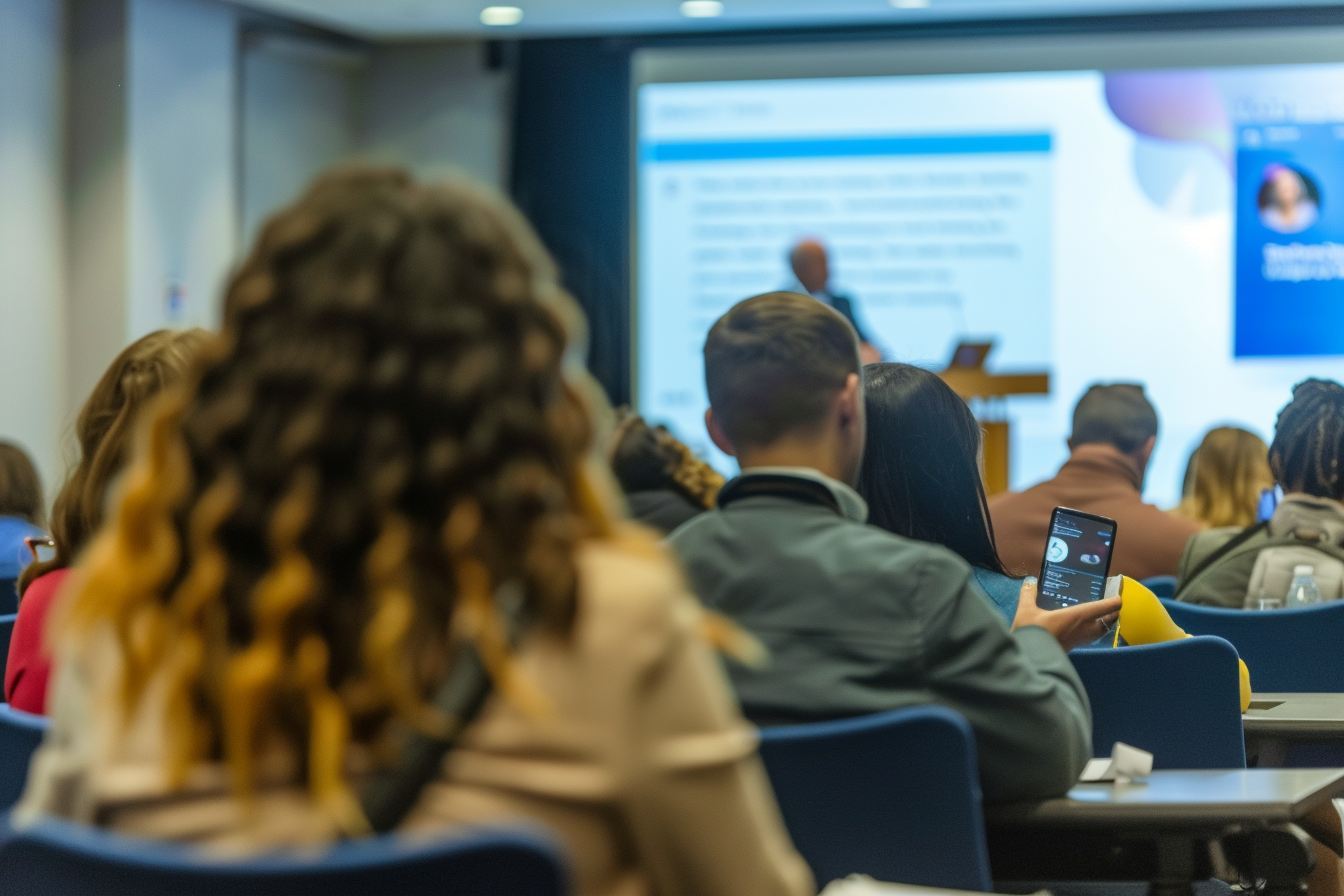
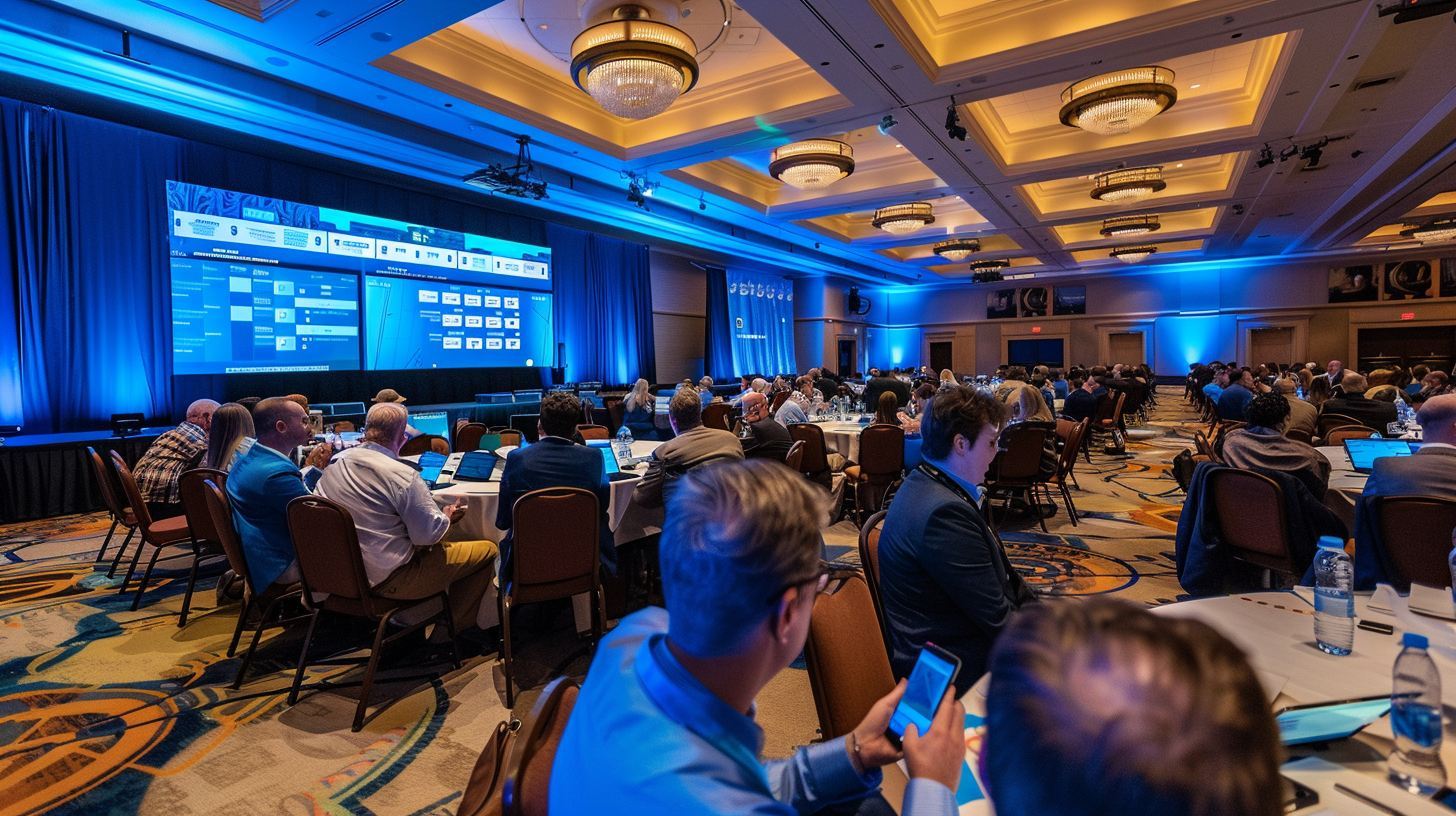
Disengaged corporate conference audience
Does your event look like this right now?Every event has these moments. Screenjam eliminates them.
Without Screenjam
With Screenjam
Wait
Doors Open
People stand in the lobby staring at their phones waiting for something to start.
Scan
Doors Open
QR code is live on the screen. Guests scan as they arrive. The game is already happening.
Drift
Between Speakers
Polite applause. Forty percent of the room opens LinkedIn.
Trivia
Between Speakers
Live trivia tied to the session content. Everyone's competing. Nobody's checking email.
Scatter
The Break
People scatter. The ones who leave early don't come back for ten minutes.
Play
The Break
Leaderboard is showing. People are clustered around the screen arguing about scores.
Tickets
The Closing
A raffle with paper tickets. Someone wins a gift basket. Polite applause. People leave.
Draw
The Closing
Live prize draw. The whole room is watching the screen as one name gets selected. The place erupts.

How It Works

Setup in minutes.
Live in seconds.

Screenjam is deliberately frictionless for you and for every single person in the room.

01

Display your QR code.

Open Screenjam on any device and cast it to your screen. A QR code appears automatically. No IT department. No specialist AV setup. Works over HDMI, Chromecast, AirPlay, or a browser window.

02

Guests scan and they're in.

Phone camera. One scan. No app store. No account. No "please wait while we verify your email." They're in the game in under 5 seconds on any smartphone, tablet, or laptop in the room.

03

The room comes alive.

You control the lineup from a dashboard - launch rounds, change timing, switch games, trigger scoreboards, drop in commercials, and tune chat or emoji. The big screen and every phone stay in sync in real time.

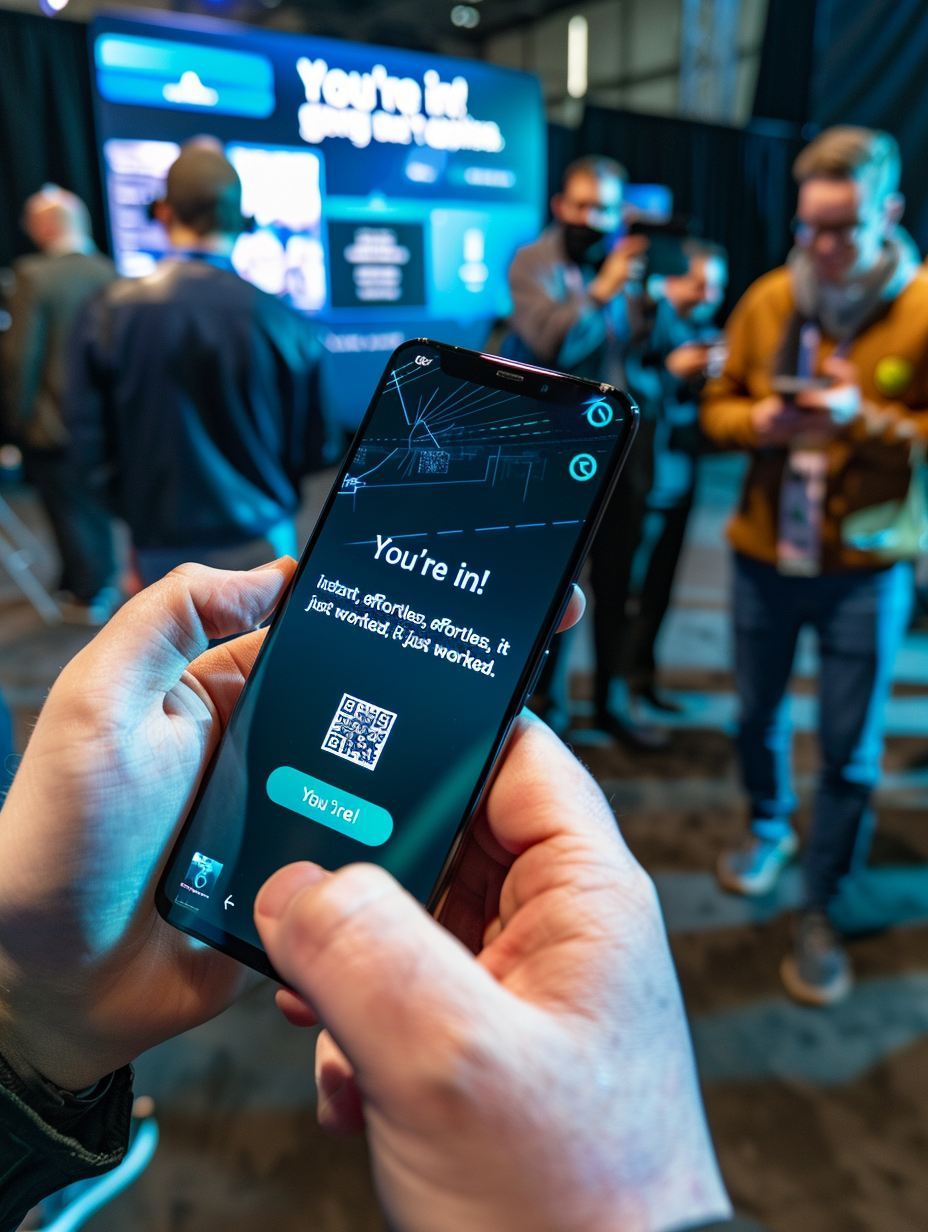
Guest scanning QR code to join Screenjam

Zero Friction

Phone camera. One scan. In the game in under 5 seconds.

No app store. No account. No waiting.

Your Event, Screenjam'd

A 3-hour conference.
Not a single dead zone.

This is what a Screenjam event actually looks like, beat by beat.

Scan
Doors Open
Welcome Loop
QR is live. Guests scan as they arrive. Leaderboard fills before the opening remarks.
Brand Moments
Vote
Opening (5 min)
Icebreaker Poll
A quick Vote Battle to warm the room. "Remote work vs. office?" 200 people immediately have an opinion.
Vote Battle
Trivia
Between Speakers
Content Trivia
5 questions tied to the keynote. Correct answers = points. The room was actually listening.
Group Trivia
Play
The Break
Leaderboard + Game
Flappy Cat runs during the break. People gather around the screen. The break ends on time because nobody wants to miss their turn.
Flappy Cat
Draw
Grand Finale
Prize Draw Reveal
Everyone who signed up is in the pool. One name selected live. The whole room watches. You've also captured 200 emails.
Prize Draw

Live Experiences

One join flow. Nine ways to wake up a room.

Guests scan once. After that, the same phone becomes a controller, keypad, vote button, or prize-entry device depending on the moment.

Branded Screenjam content displayed across a large event screen Phone joining a Screenjam experience One scan starts the show
Screens
Unlimited Players
Screen Moments
Run branded welcome loops, countdowns, sponsor spots, and scene-setting moments before gameplay begins.
Ideal for: arrivals, transitions, sponsor presence
Screenjam trivia playing on a large event display Phone answering a Screenjam trivia question Phones become answer pads
Trivia
Unlimited PlayersMost Popular
Group Trivia
Turn every phone into an answer pad for custom trivia tied to your audience, agenda, sponsors, or brand story.
Ideal for: conferences, offsites, icebreakers
Live audience voting shown on a large event display Phone voting in a Screenjam audience poll Phones become vote buttons
Vote
Unlimited Players
Live Vote
Ask the room a question and reveal the result live for decisions, sentiment checks, awards, or suspense.
Ideal for: audience insight, awards, product feedback
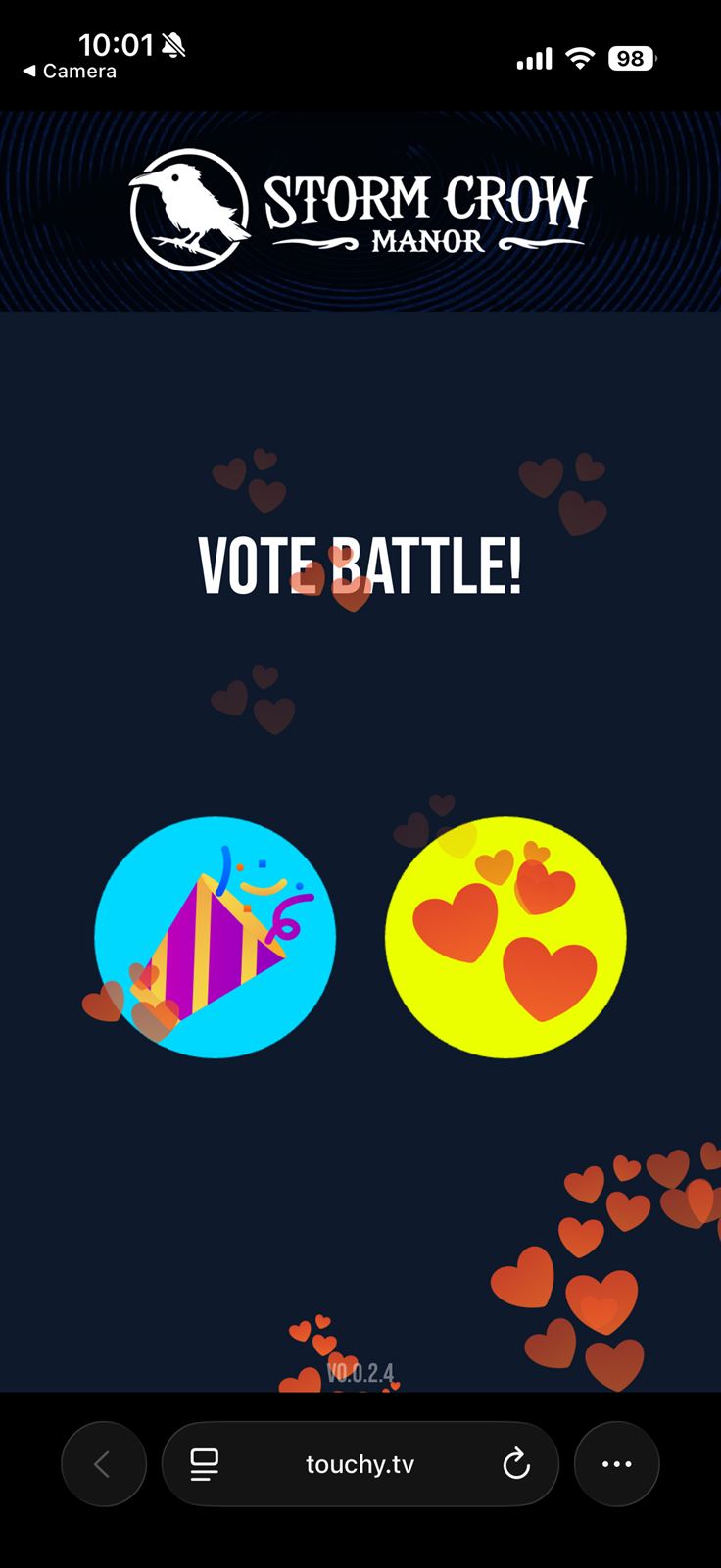
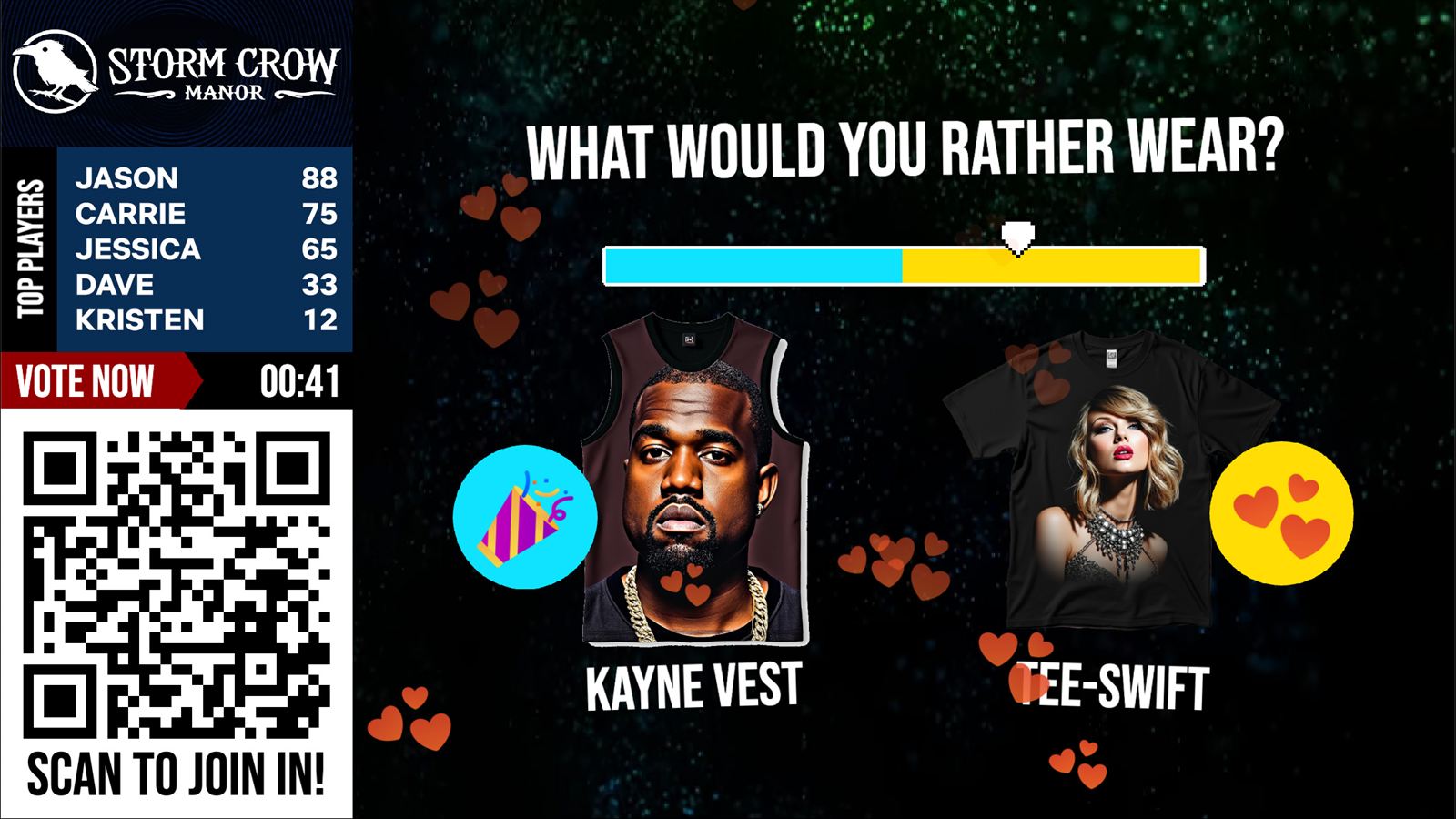
Vote battle displayed on the main event screen Phone controlling a vote battle Mash to push your side
Versus
Unlimited Players
Vote Battle
Put two options head-to-head and let the crowd drive the result before the clock runs out.
Ideal for: warmups, fandom debates, fast energy spikes
A finale-style Screenjam screen showing rankings and the next live moment Phone registered for a Screenjam prize moment Phones collect entries
Prize
Unlimited PlayersFan Favorite
Prize Draw
Collect entries from the same join flow and finish with a live on-screen winner reveal while the whole room is watching.
Ideal for: closings, gala moments, lead capture
A playful Screenjam-style multiplayer moment with phone control Phone tapping in a Screenjam crowd challenge The whole room taps together
Tap
Unlimited Players
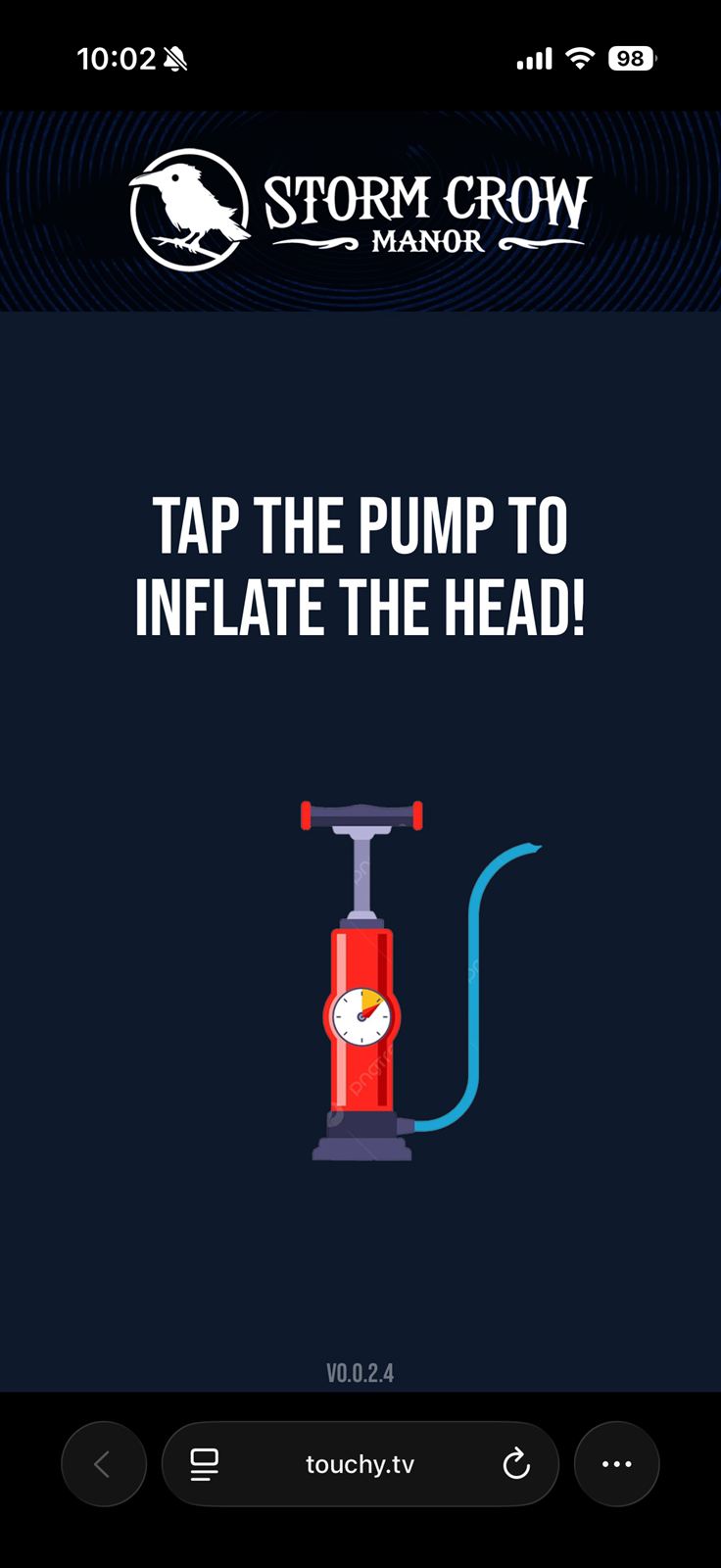
Pump Challenge
Get the whole room tapping together to fill a meter, inflate an object, or unlock a reveal.
Ideal for: product reveals, team moments, energy peaks
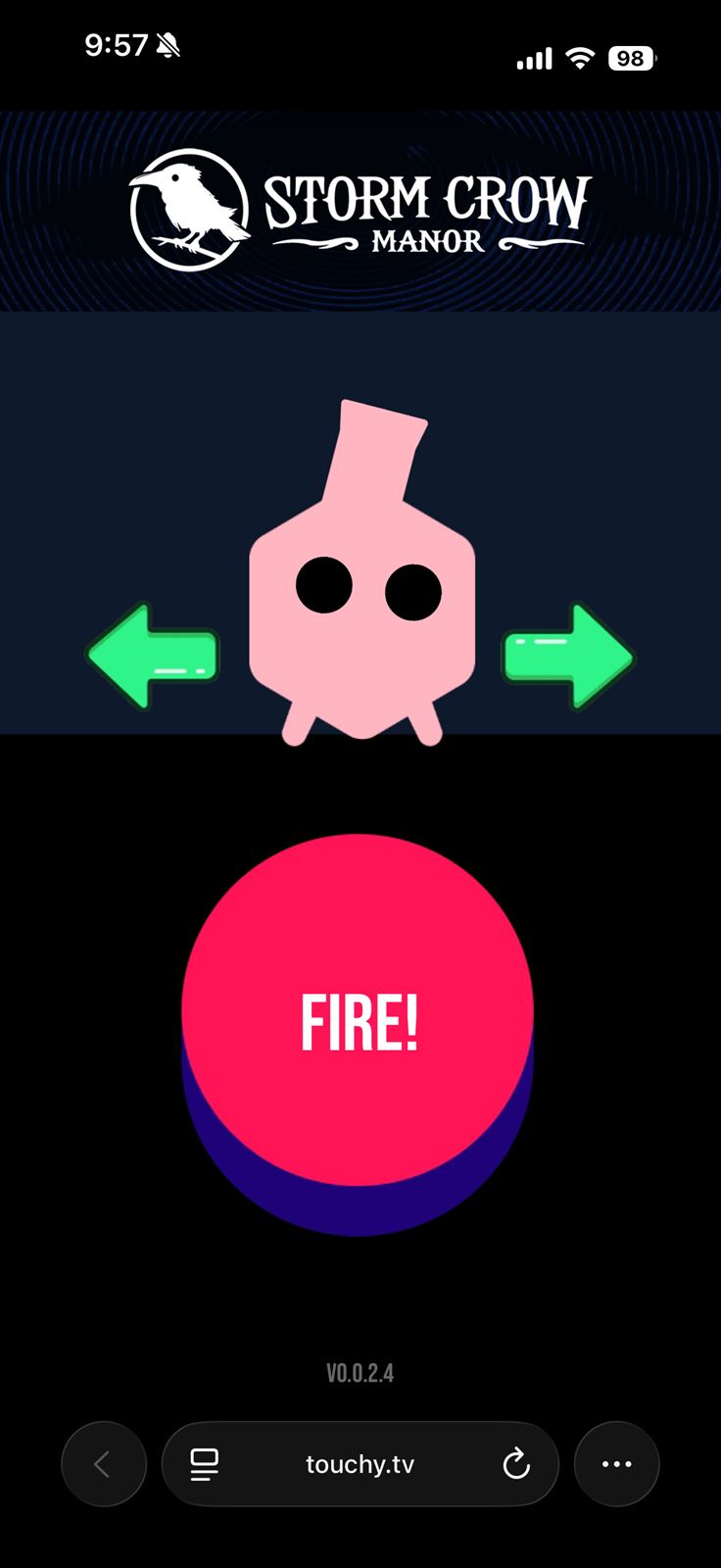
Tank battle shown on the main screen Phone aiming and firing in a tank battle Phones aim and fire
Tanks
Up to 8 Players
Tank Battle
Players aim and fire from their phones while the full battle explodes on the big screen.
Ideal for: team-building warmups, competitive breakouts
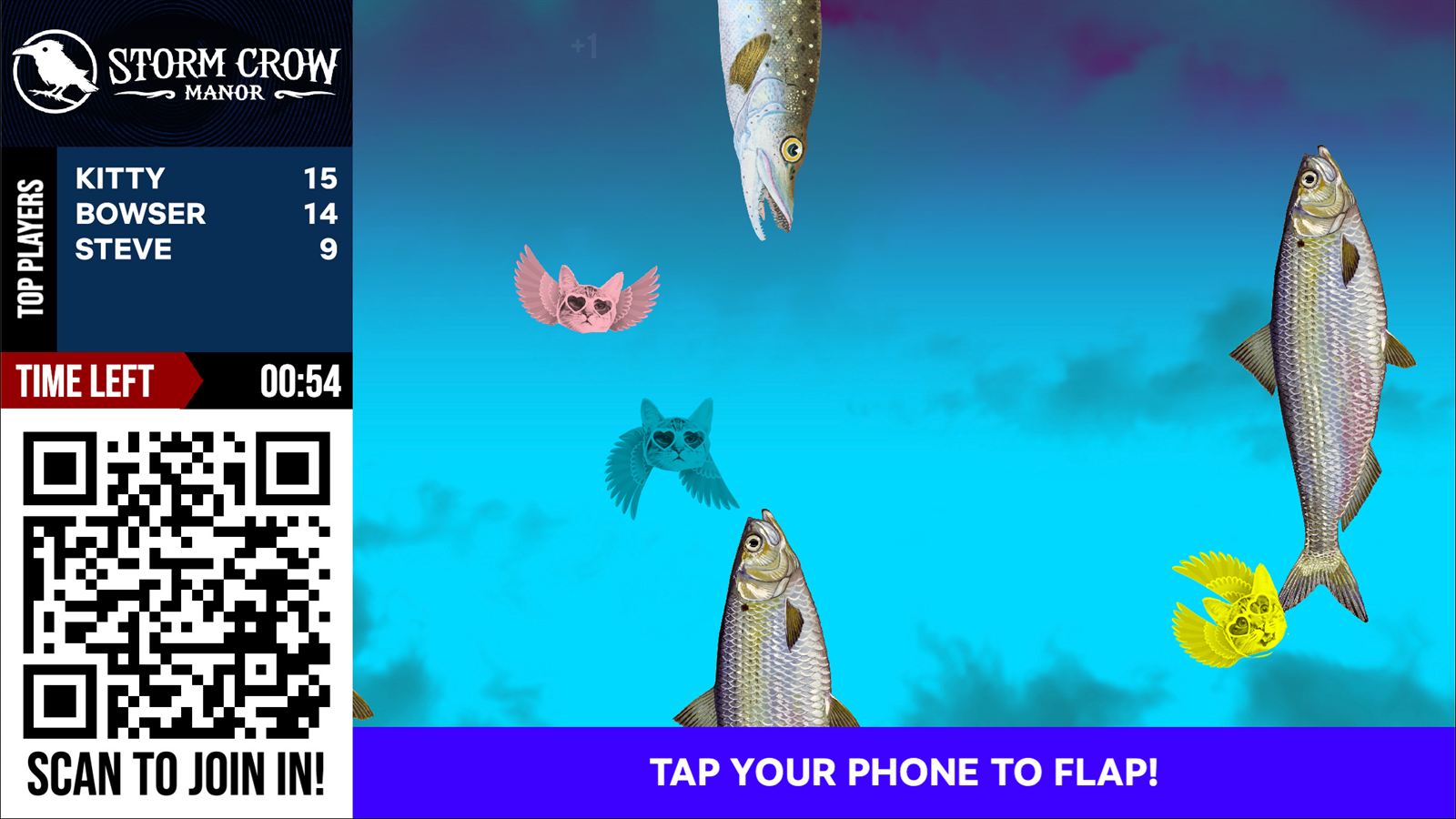
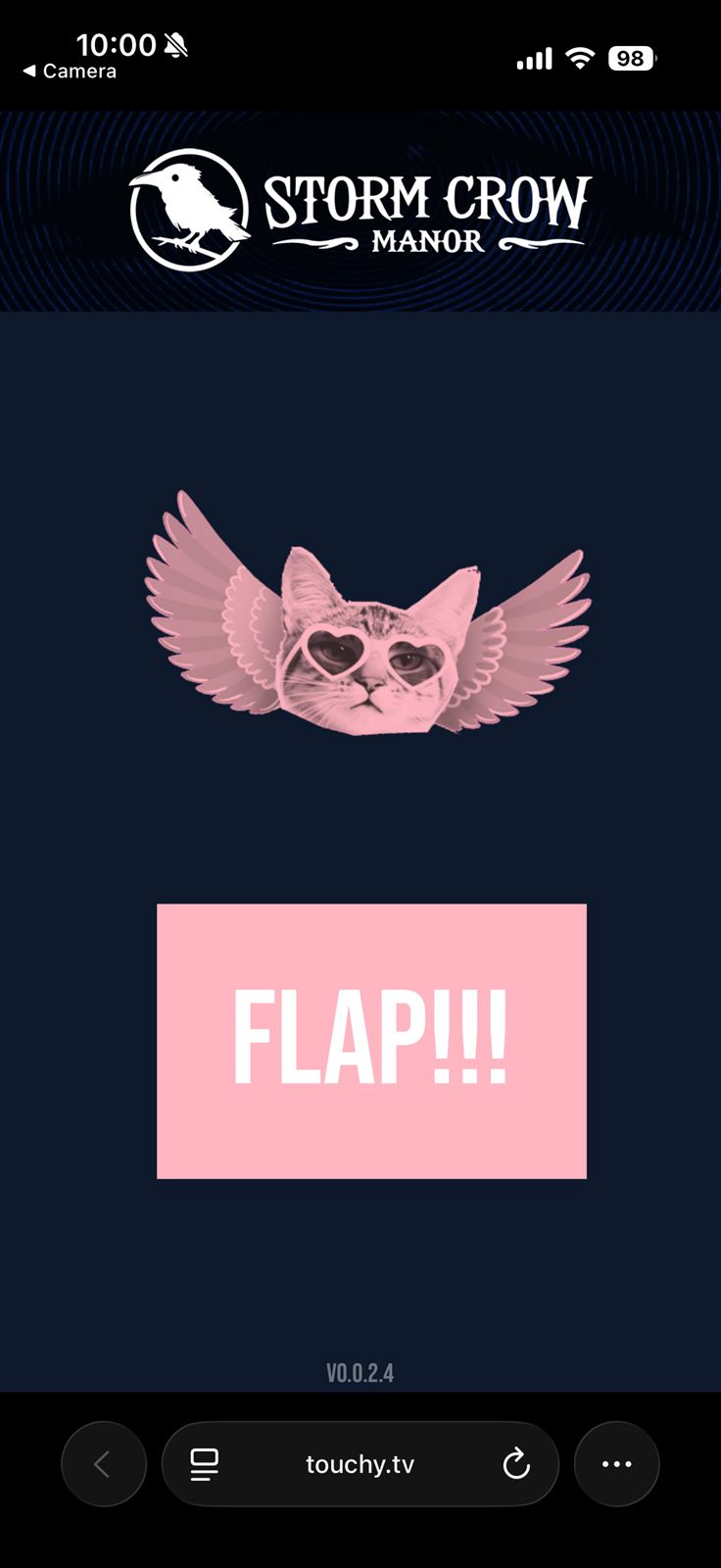
Flappy Cat displayed on the main event screen Phone controlling Flappy Cat Tap-to-flap controls
Bird
Up to 8 Players
Flappy Cat
A fast, funny tap-to-flap round that works instantly in any room.
Ideal for: breaks, low-pressure warmups, pure laughs
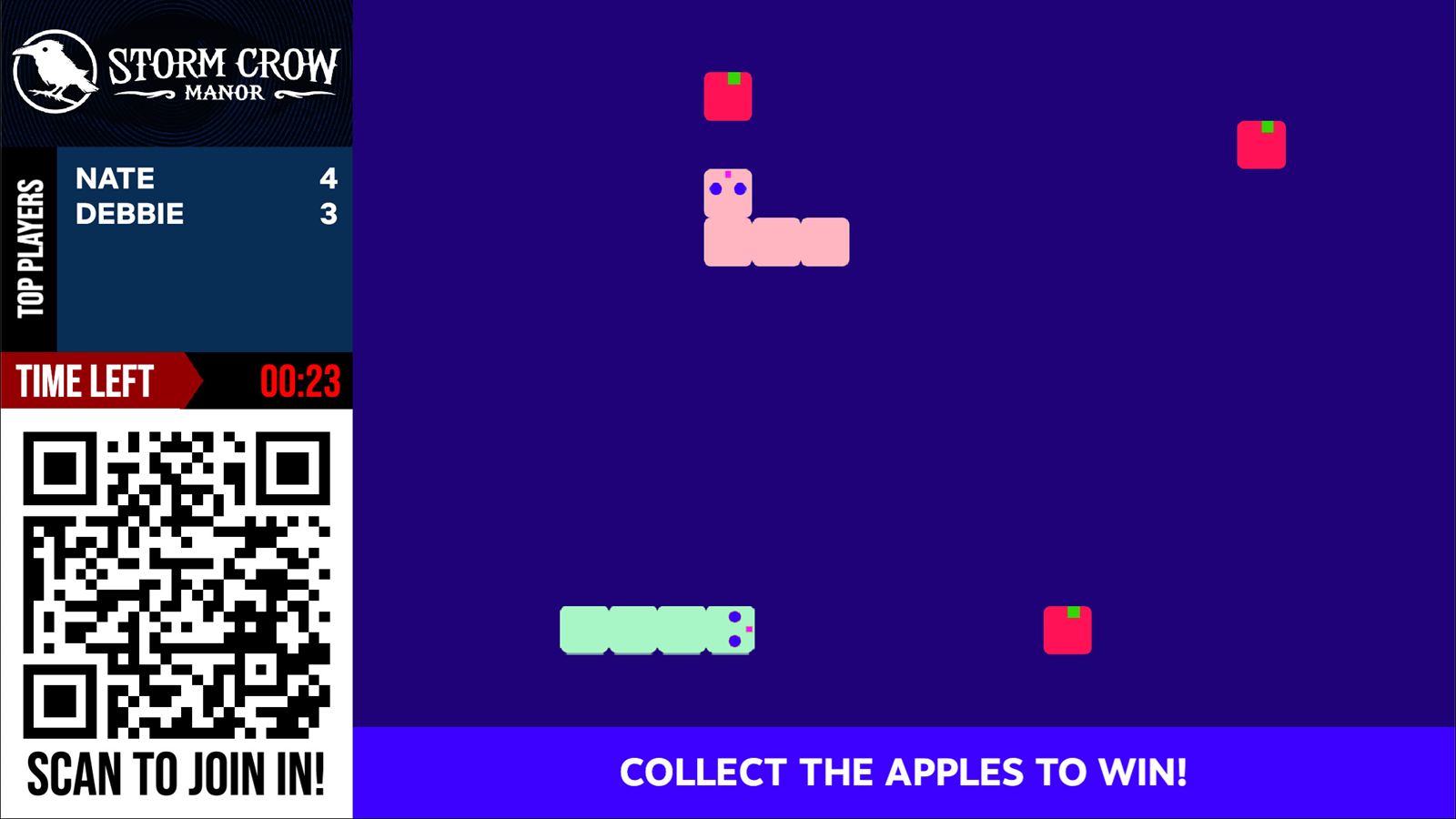
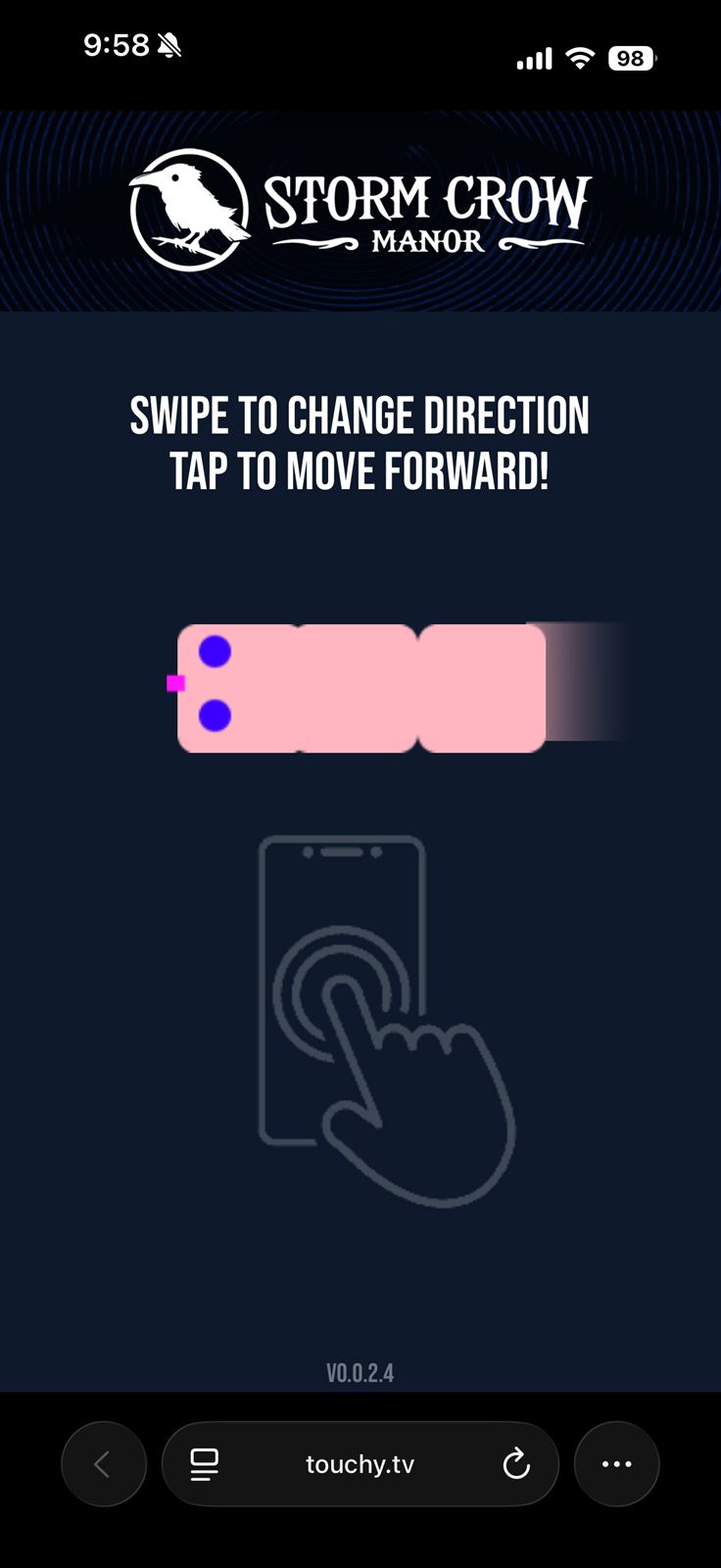
Snake shown on the main event screen Phone steering Snake Swipe to steer
Snake
Up to 8 Players
Snake
Swipe to steer, grow on the big screen, and survive the crowd.
Ideal for: competitive breakouts, post-dinner energy

Screenjam Scenarios

The same platform can look radically different from room to room.

These reference frames show how Screenjam can be art-directed for polished conferences, playful venues, branded client events, or louder audience-energy moments without losing the simple join-and-play core.

Trivia

Fast rounds, live leaderboard, speed scoring.

Confirmed in the current Screenjam content model: question sets, multi-choice answers, timed rounds, and scoreboard states.

Group Trivia - Round 3 of 5214 players
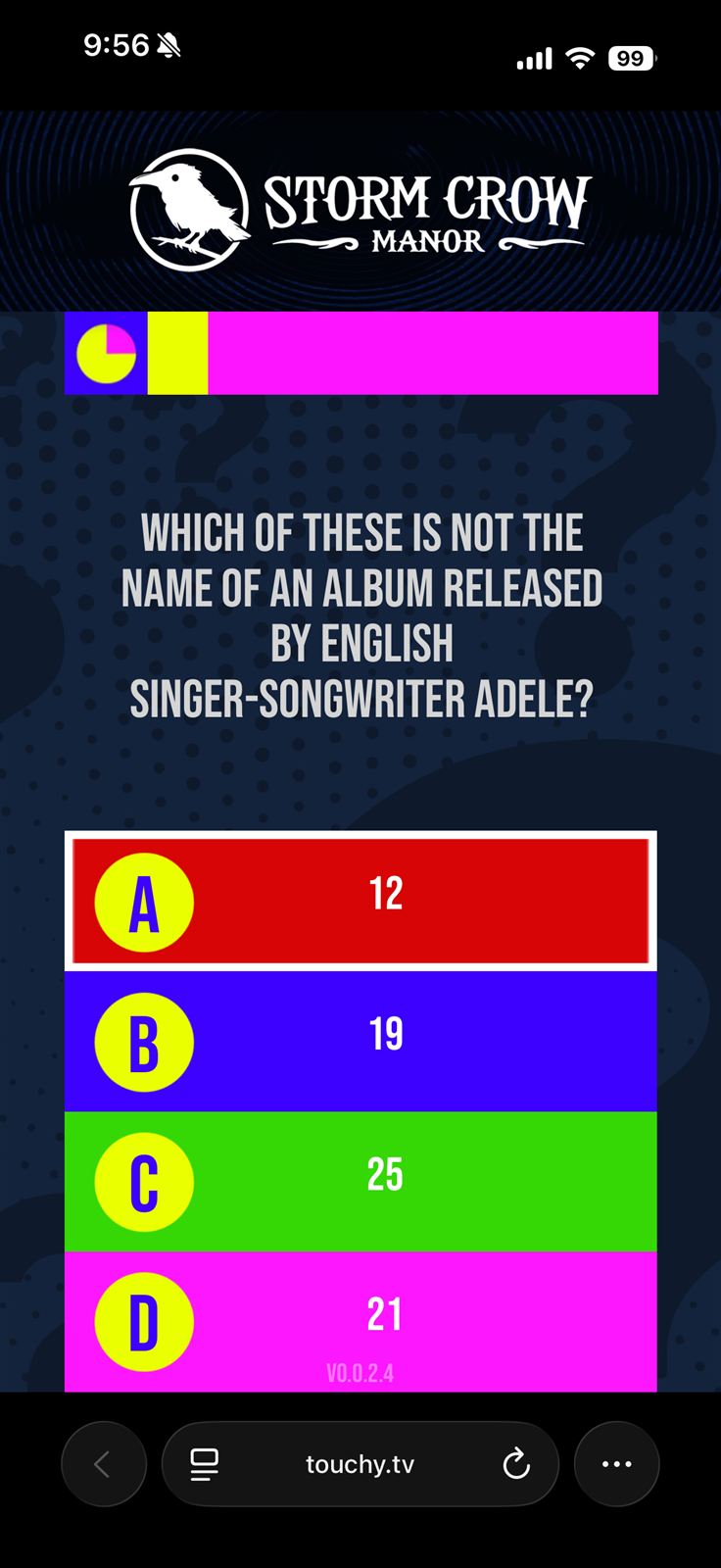
Which Screenjam format gets the whole room playing without downloading an app?
A. Passive QR survey
B. Live phone-controlled trivia and games
C. Paper ballot raffle
D. Another conference app
Speed-scaled pointsLive scoreboard revealVenue-branded colors
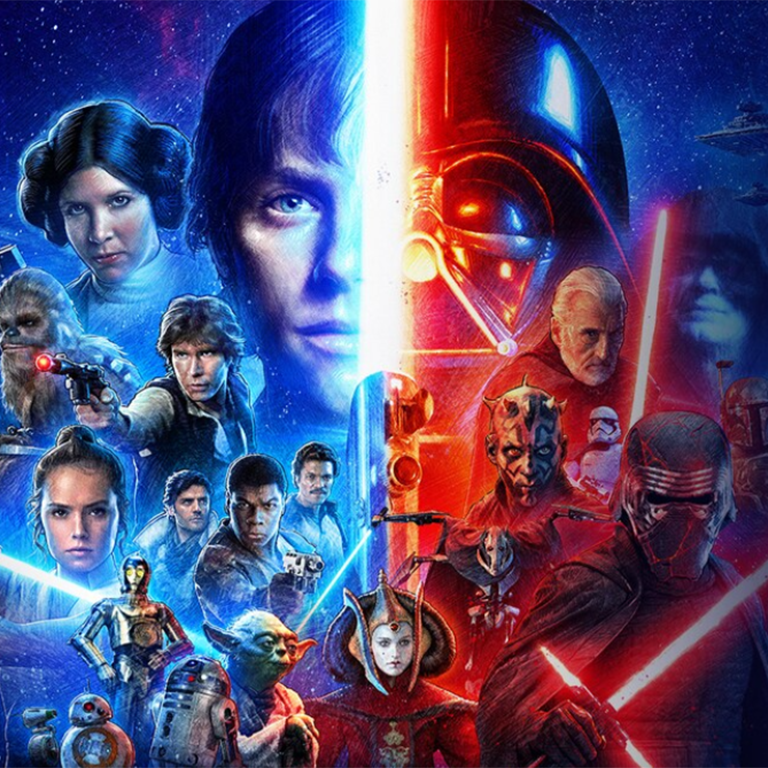
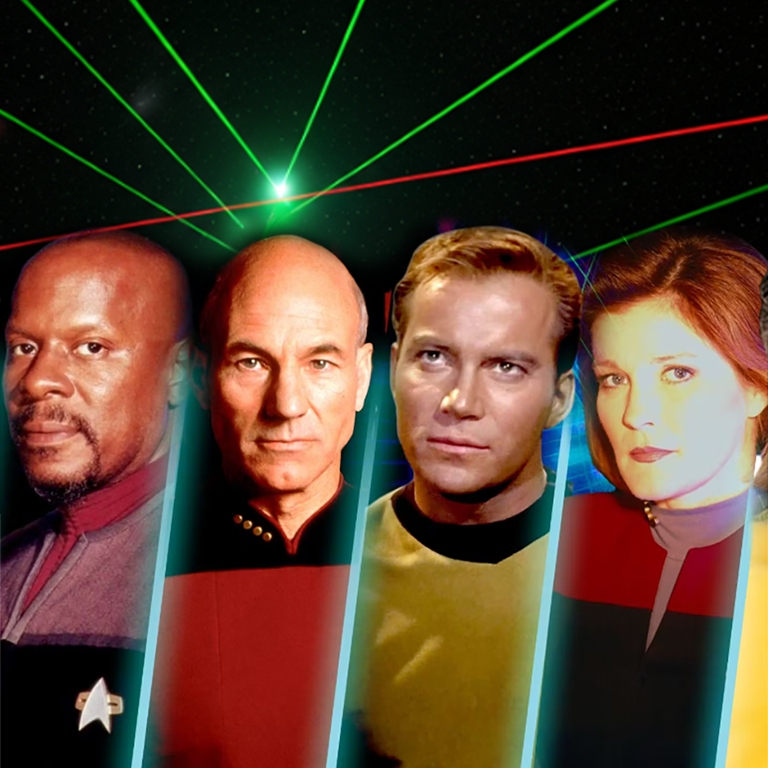
Vote Battle

Fandom fights and instant sides.

This frame uses real matchup art and content logic pulled from the current Screenjam visual library.

VS
Vote Battle option: Star WarsStar Wars
Vote Battle option: Star TrekStar Trek
Arcade

TV spectacle, phone controls.

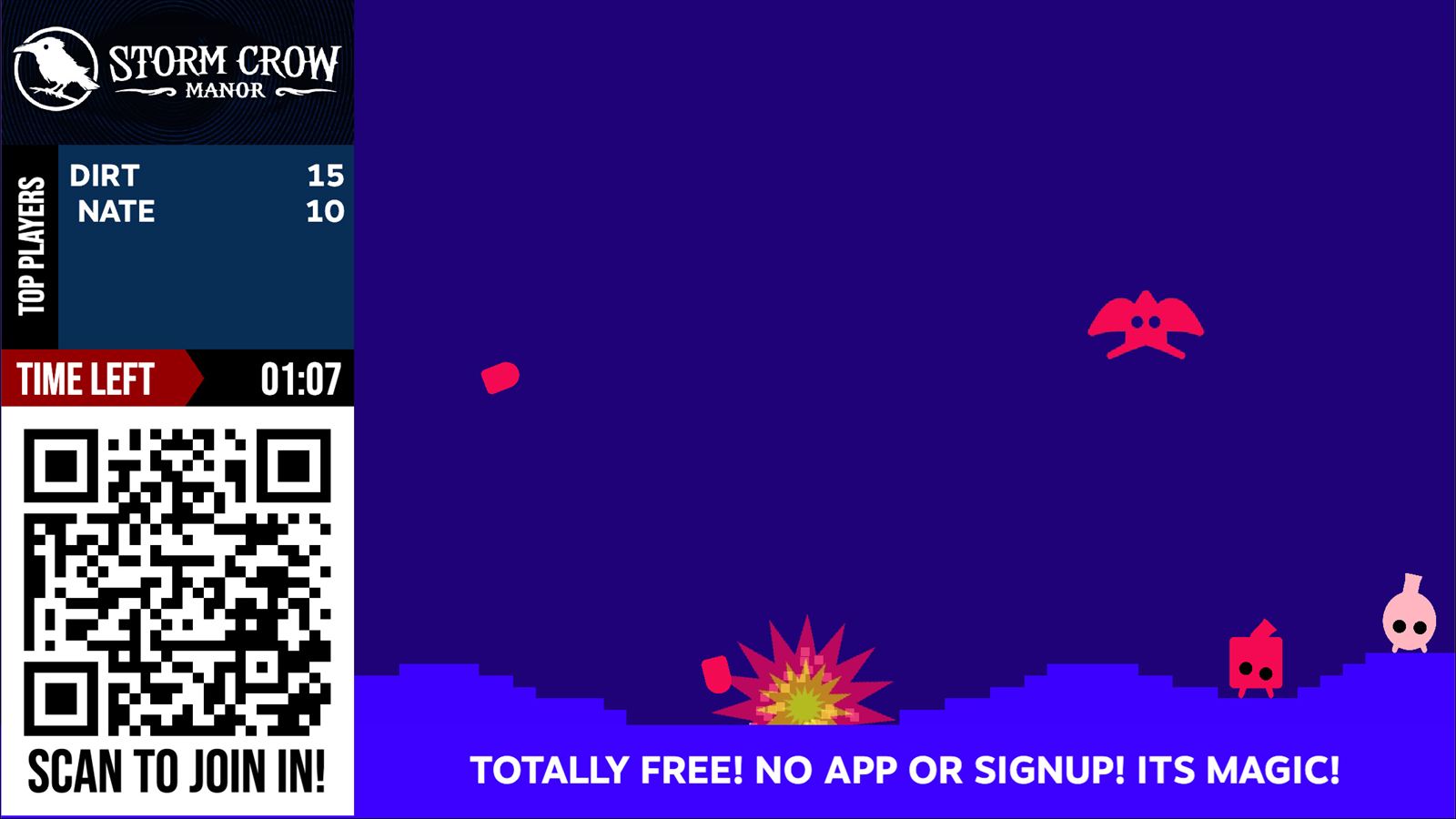
Flappy Cat / HeadPop / Snake / TanksUp to 8 players
Flappy Cat spriteHeadPop face spriteSnake spriteSnake apple spriteTank aiming controllerFlappy CatHeadPopSnakeTanks
Phone as controllerAim, tap, steer, mash.
Short roundsEasy to slot between agenda beats.
Stonks

A live market the room can move.

TSWF +18%Stonks line asset
TSWFTaylor Swift
142
MCRAMinecraft
118
APPLApple
104
CNDCanada
97
Branding

Venue colors, QR styling, chat, emoji, and commercial slots.

Welcome to the Partner SummitLogo on screen, custom header art, branded player phones, and a sponsor reel between rounds.
Join FlowVenue QR colors and branded join messaging on the main display.
PhoneQRBrand
Live ReactionsChat and emoji can be enabled per venue to keep the room visibly active.
ChatEmojiLive
Vote Library

Visual prompts are already part of the system.

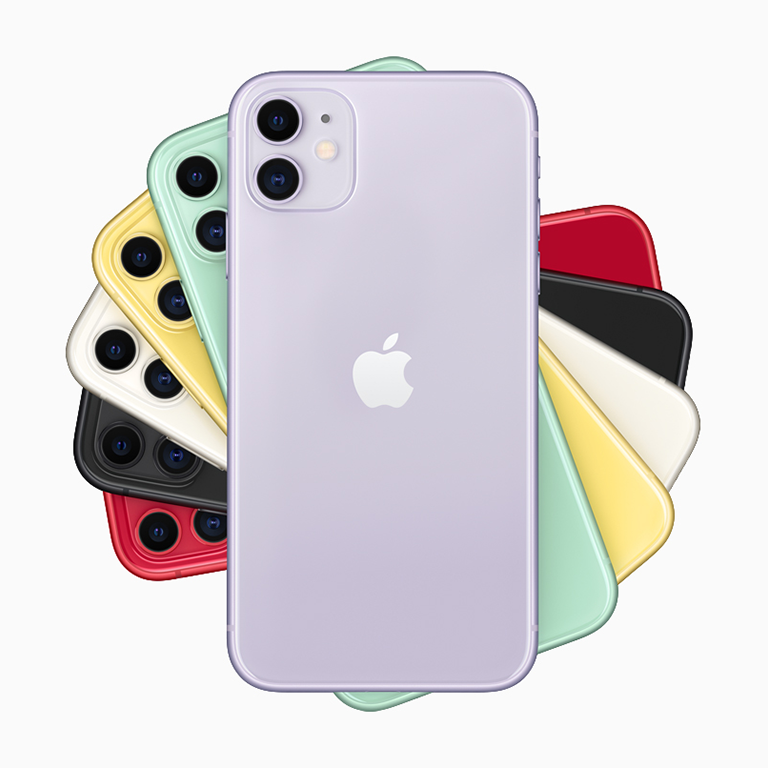
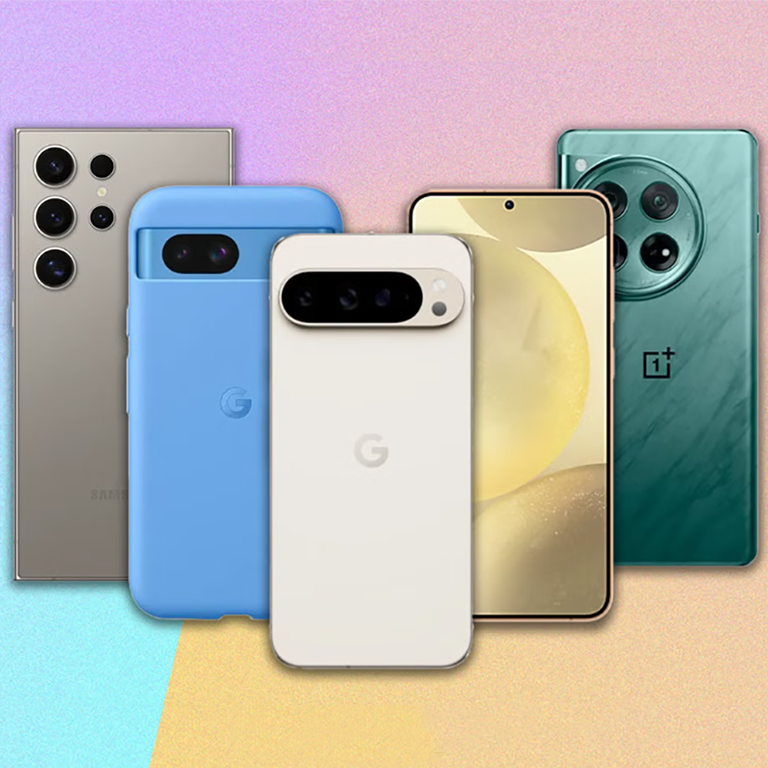
Another real pair from the shipped assets: mobile platform debates are already in the library.

VS
Vote Battle option: iOSiOS
Vote Battle option: AndroidAndroid

Possible Deployments

One platform, multiple room personalities.

These visuals mix one themed test deployment with customer-facing concept treatments built from real Screenjam states. The point is the platform: join flow, show control, audience participation, and branded room energy on one system.

Stage-ready Screenjam mockup for conferences and large events
Conference centerpiece

Give the keynote room something live to rally around.

Screenjam can open the room, hold attention between agenda beats, and keep the biggest screen in the venue working harder than a slide deck ever could.

KeynotesStage momentsAudience participation
Screenjam audience vote mockup with a large room screen and phone interaction
Audience choice

Turn opinions, prompts, and faceoffs into theatre.

Live voting works best when it looks big, legible, and a little dramatic. Screenjam makes quick room decisions feel like headline moments instead of passive poll widgets.

Vote momentsAwardsBrand activations
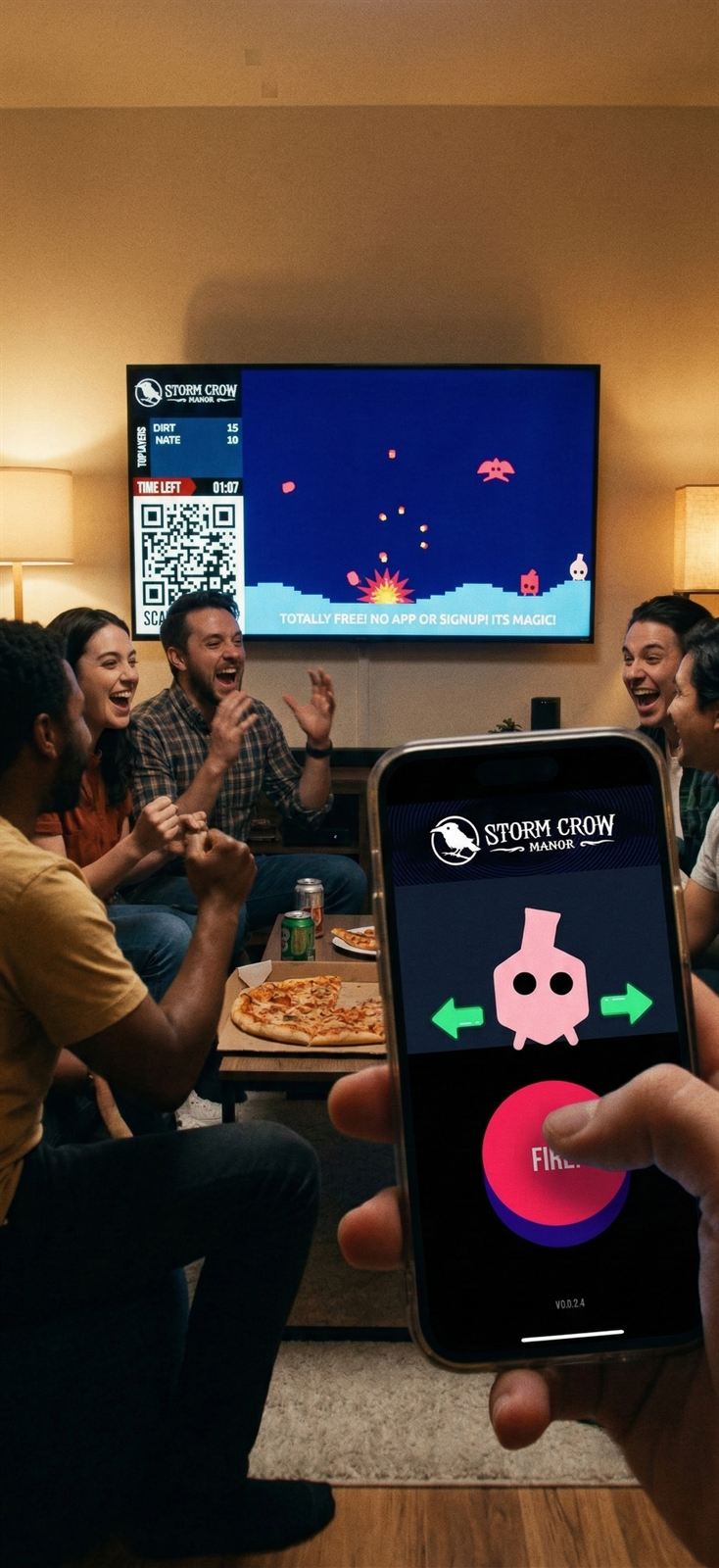
Screenjam small-room team-play mockup showing phone control and a shared TV game
Team offsite

Bring the same tech to lounges, suites, and breakout rooms.

Screenjam scales down beautifully. The same phone-as-controller model that works in a ballroom can turn a private room or hospitality suite into a competitive shared experience.

OffsitesHospitalitySmall-group energy
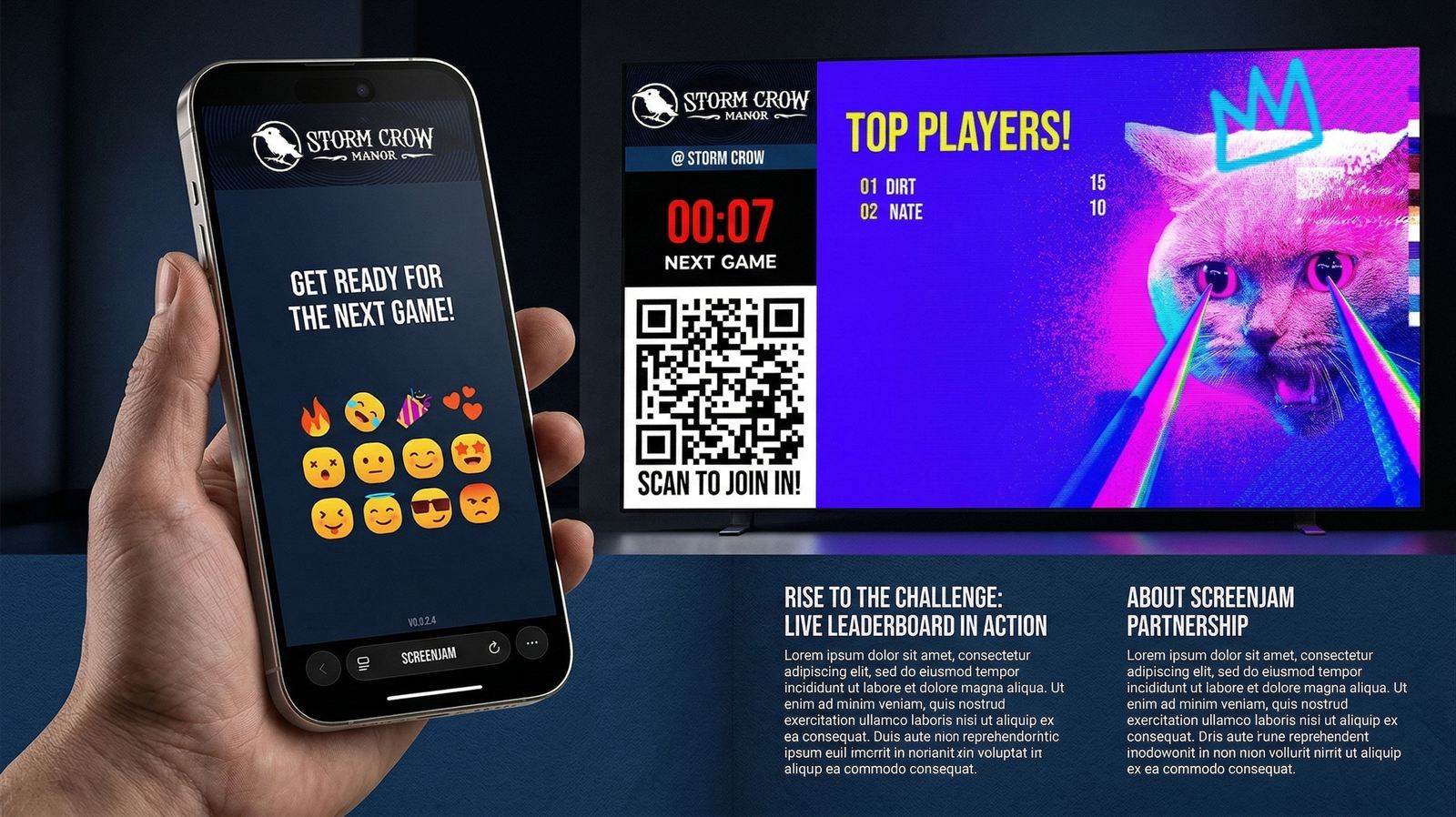
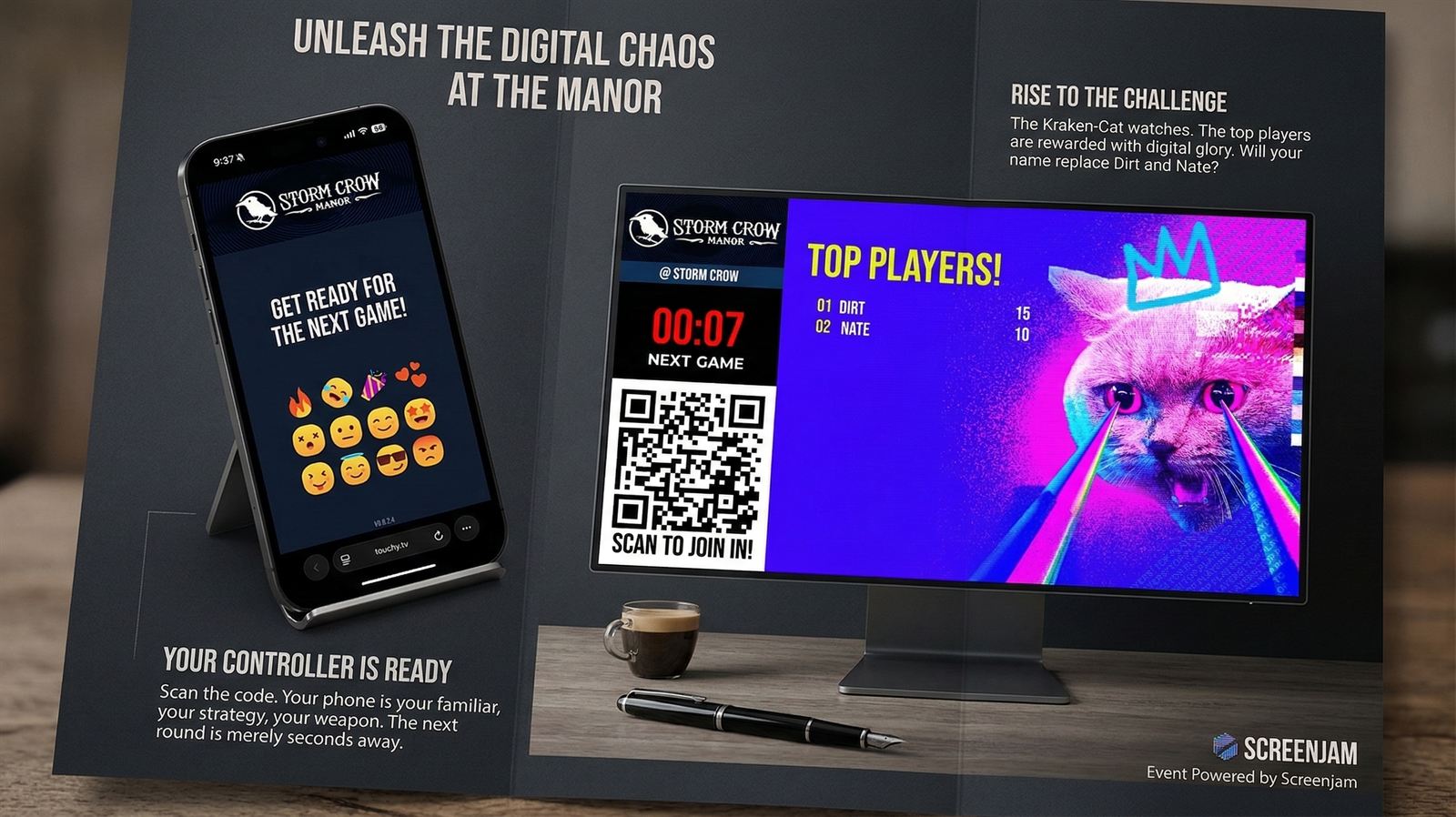
Screenjam next-round countdown and leaderboard concept image
Between-round energy

Keep the room in the flow even when the round has ended.

Countdowns, top-player screens, and next-game prompts help Screenjam feel like one continuous show, not a pile of disconnected interactions.

IntermissionsLeaderboardsReturn traffic
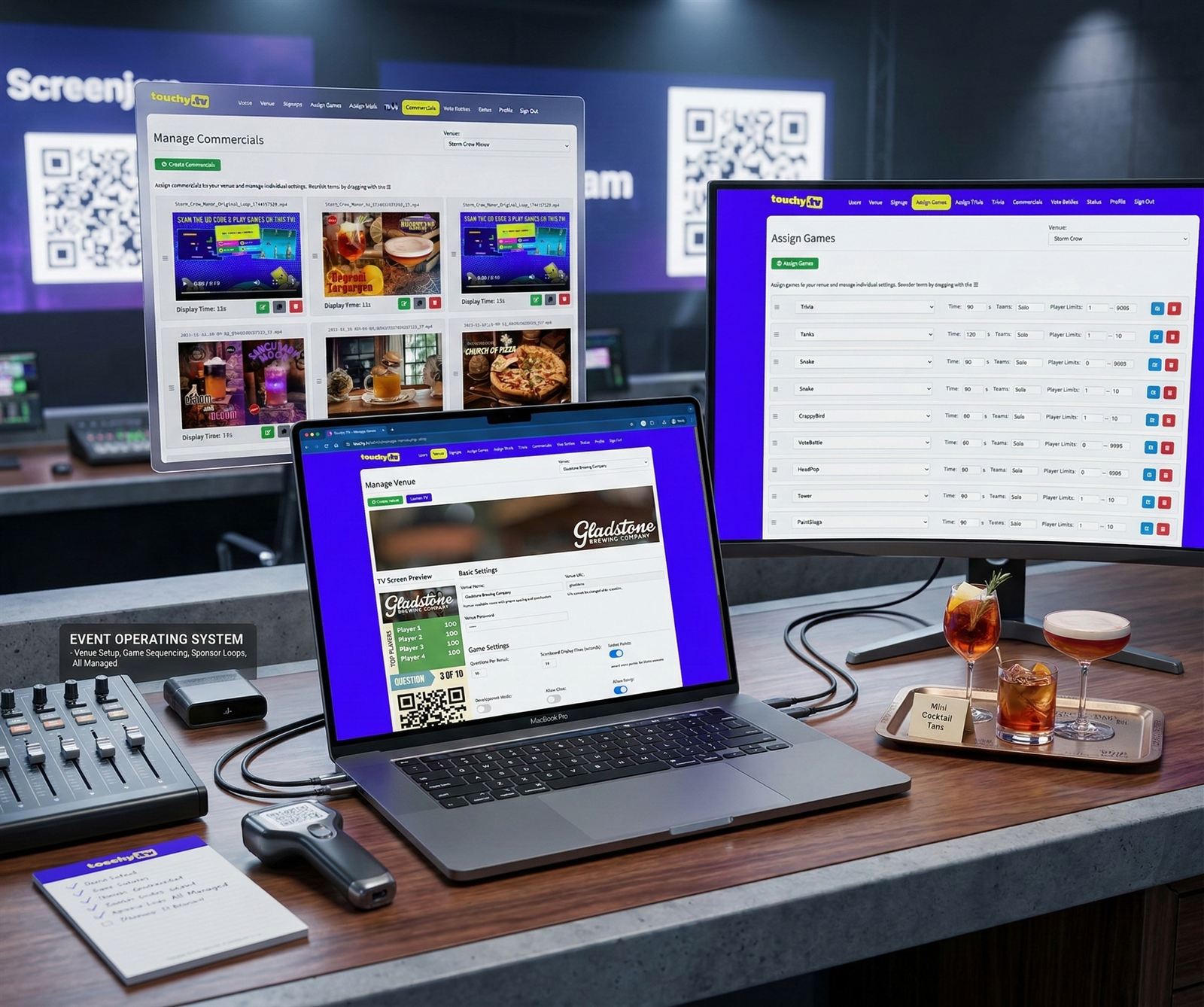
Event operating system

Run the whole night from one live stack.

Screenjam is not one interaction. It is a system for sequencing welcome states, switching formats, managing sponsor moments, and keeping the room on one shared timeline.

Screenjam operating-system style mockup showing setup, sequencing, and sponsor control
  • Theme the room around the event, sponsor set, or venue personality
  • Queue and switch between participation modes without changing platforms
  • Treat commercials, holds, game rounds, and finales as one connected show
Screenjam vote moment mockup
Stage-ready audience momentsUse quick prompts, vote battles, or room-wide choices when you need the audience involved immediately.
Screenjam team-play mockup
Portable team playBring the same participation model into lounges, suites, receptions, or smaller private gatherings.
Screenjam leaderboard and next-round mockup
Keep the next beat readyCountdowns, player status, and return-to-play moments keep the room warm between active rounds.

Why Screenjam

Not another polling app.

Every demo, someone asks "how is this different from Kahoot?" The answer is that the system is built like live venue entertainment, not a classroom quiz.

Polling Tools
Slido,
Mentimeter
  • Q&A and live polls - one type of interaction
  • Great for conferences that need audience questions
  • No arcade library, no head-to-head formats, no room-scale game loops
  • Feels like a survey with a prettier interface
  • The room stays passive
Classroom Trivia
Kahoot,
Quizlet Live
  • Built for classrooms, not corporate events
  • One type of interaction: trivia
  • 30-player cap starts to feel awkward at 300
  • No venue theming, commercial slots, or on-screen brand moments
  • Your audience has done this in middle school
Live Event Entertainment
Screenjam
  • Trivia, votes, arcade games, collective tapping, and branded screen segments in one system
  • Phones act as controllers while the TV runs the show in real time
  • Venue-level branding: logo, header art, colors, QR styling, emoji, chat
  • Built to sequence across pre-show, breaks, transitions, and closings
  • The room does not watch. The room plays.

The closest thing to Screenjam is nothing. See it live ->

White-Label & Branding

Your brand lives in every moment.

Screenjam can be tuned to venue identity, sponsor palette, content agenda, and house personality without losing the simple join flow. One themed deployment is shown here, but the real story is how adaptable the platform becomes once it is matched to your room.

  • Theme
    Venue theme controlsHeader art, scoreboard colors, question areas, and QR treatment can all be tuned to the event identity instead of leaving you with generic defaults.
  • Phone
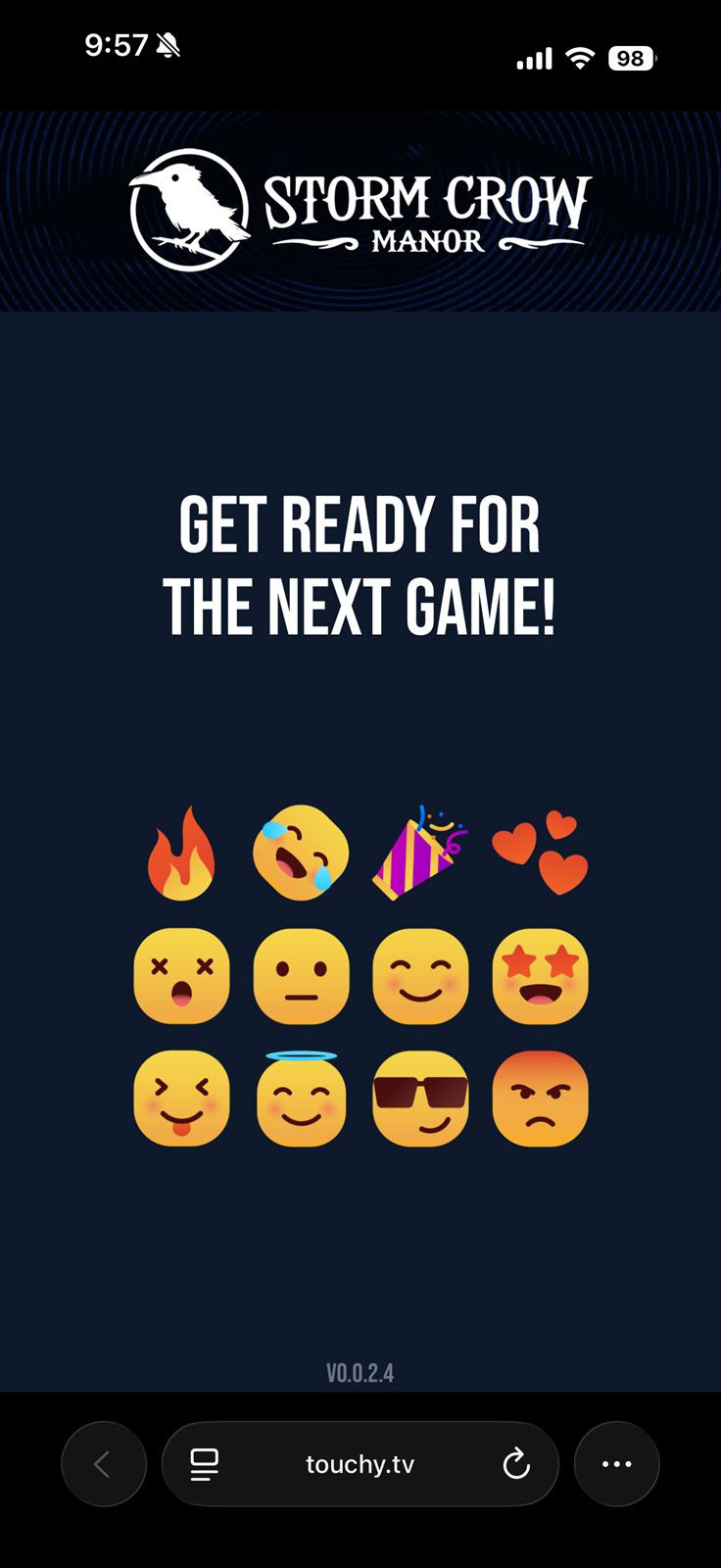
    Branded player controllerThe phone interface guests use can reflect the same event branding as the main screen, so the join flow feels like part of the show instead of a third-party tool.
  • Live
    Chat, emoji, and screen momentsTurn live reactions on when you want noise, or keep the display clean for sponsor loops, award reveals, and polished content transitions.
  • Flow
    Programmable event flowBecause the platform already supports commercials and game switching, you can structure a whole evening instead of treating engagement like a one-off interruption.
Screenjam branded operating-system mockup for event teams

Shown here in one themed deployment: the same Screenjam flow can be tuned to your venue, sponsor set, audience tone, and event format without changing the core join-and-play model.

Use Cases

Every event has a Screenjam moment.

The platform is the same. The experience is yours.

Conferences & Keynotes

500 people. 3 hours. Zero dead zones.

Conference rooms are where engagement goes to die. Screenjam turns the transitions, breaks, and throwaway moments into the parts people actually remember, and gives you engagement data you can put in a deck.

  • Trivia tied to session content reinforces key messages and rewards attention
  • Live polls make the audience feel heard, not lectured at
  • Prize draws keep energy building across the full program
  • Participation analytics, response times, leaderboard movement, and export after the event
Corporate conference trivia in action
Annual Sales Conference
847 participants | 94% engagement rate | 312 email captures
Group Trivia Live Vote Prize Draw Brand Moments

Team Building & Offsites

The offsite nobody wants to leave.

Team building should not feel like team building. Screenjam creates the shared experiences that become the stories people tell at next year's offsite: the moment Marketing's snake ate the CEO's, the Tank Battle that ended three friendships.

  • Team vs. team formats for department rivalries with actual bragging rights
  • Custom game art with staff faces, company in-jokes, internal brand references
  • Collective challenges where everyone contributes so no one sits out
  • Easy enough for the non-gamers, competitive enough for everyone else
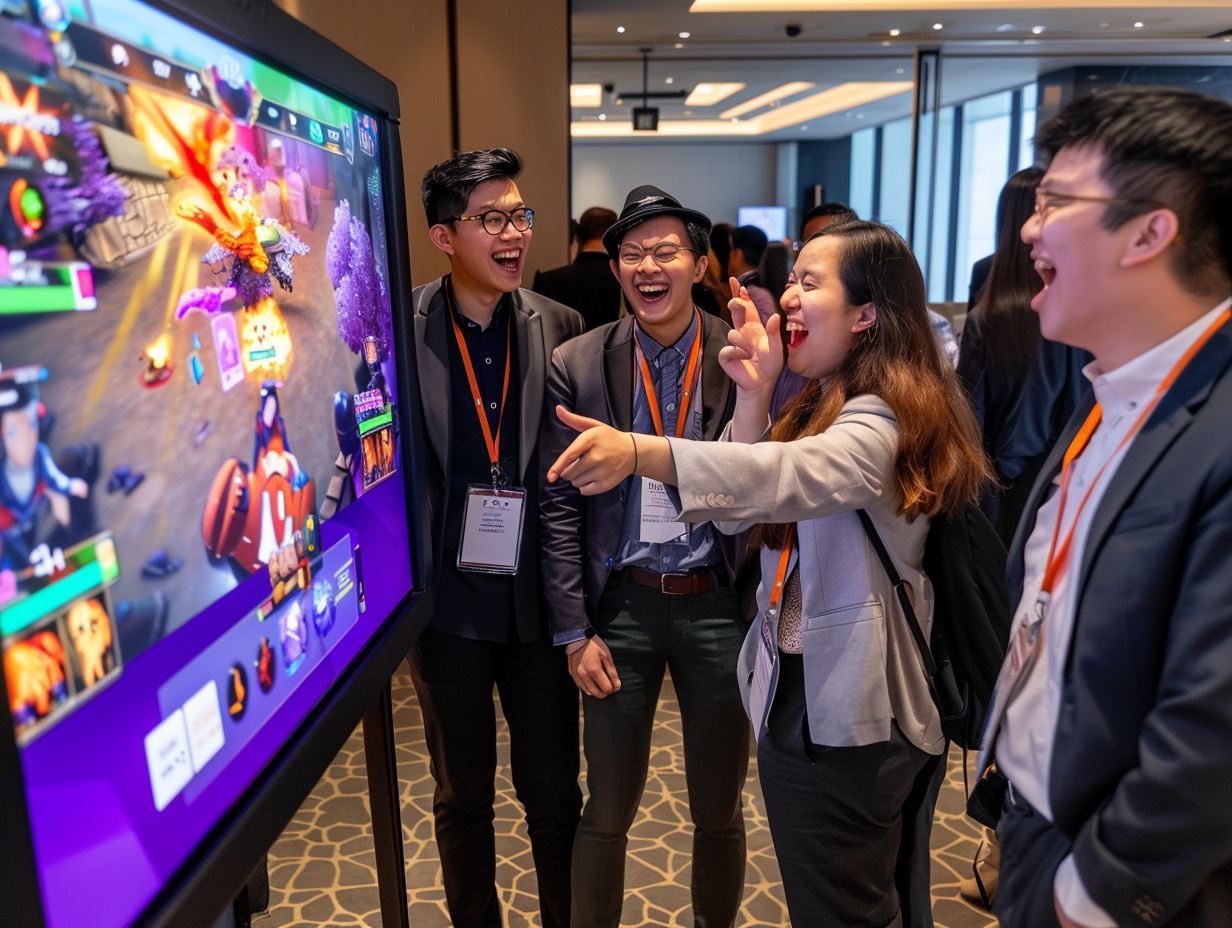
Team building corporate event reactions
Q3 Company Offsite
200 staff | 3 departments | Marketing won (controversial)
Tank Battle Paint Slugs Pump the Challenge Snake

Sports, Finance & Entertainment Clients

Built for your industry's culture.

For clients in betting, gaming, finance, or sports, Screenjam's Horse Racing and Stonks games are not just themed around your industry. They translate its energy into a live group experience that is safe, legal, and genuinely thrilling.

  • Horse Racing: three races, fake credits, live speed-boost betting mid-race
  • Stonks: live in-room stock market where player behavior drives prices
  • 100% compliant: no real money, no gambling, just entertainment mechanics
  • Fully brandable to your product identity and event aesthetic
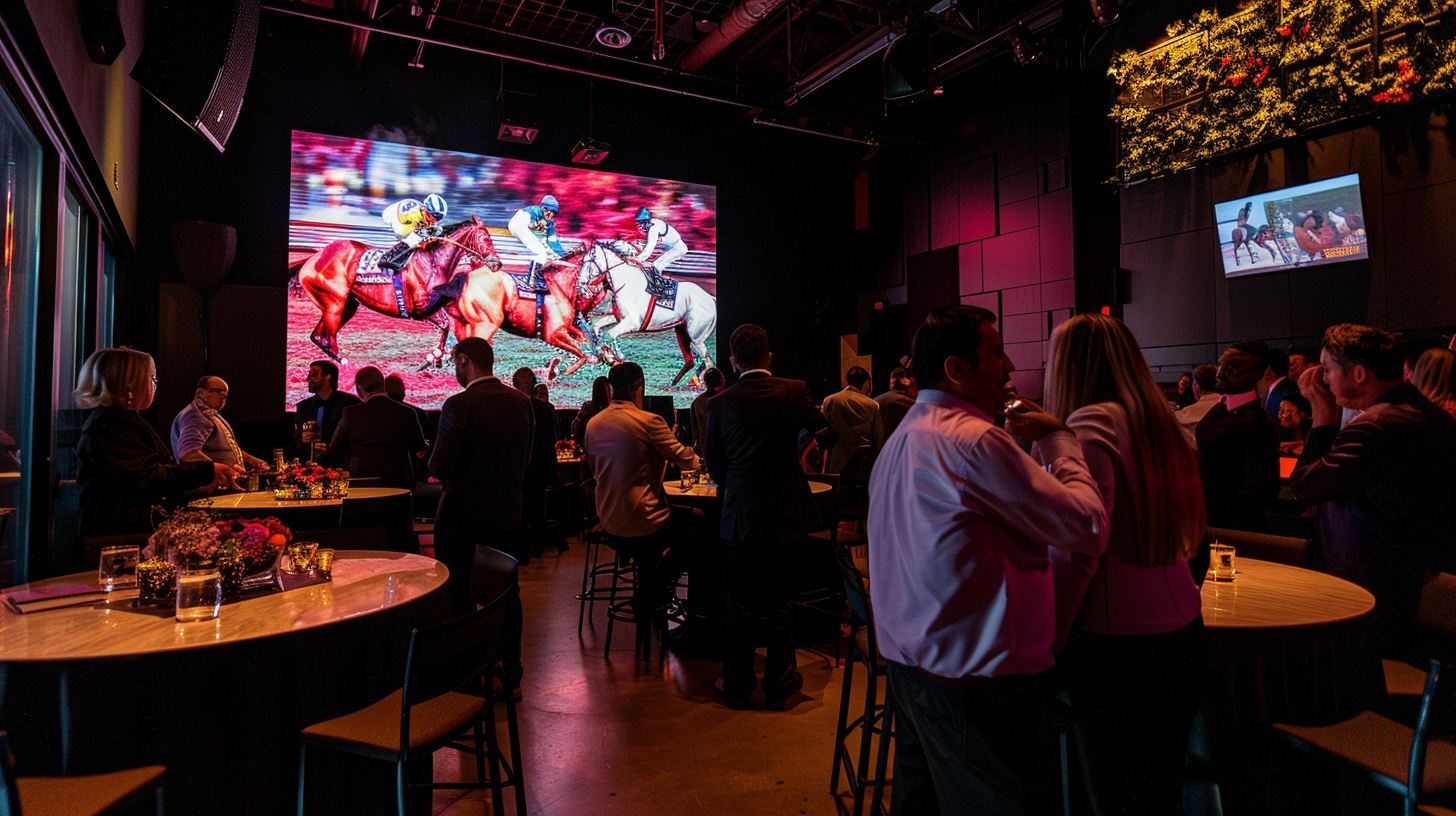
Upscale corporate event with Horse Racing on screen
VIP Partner Event
150 guests | 3 racing rounds | 1 legendary comeback in race 3
Horse Racing Stonks Vote Battle Prize Draw

About Screenjam

Built by people who know how to hold a room.

Screenjam carries a pedigree that blends Blue Wizard game craft, PopCap playability, The Mysterious Package Company spectacle, and Storm Crow hospitality into one snappy live platform.

500+
Events powered since launch
0
App downloads ever required
5s
Average time to join a live session
"

We had 847 people in the room for our annual conference. During the trivia round between the morning sessions, the one I was terrified would become a bathroom break, we hit 94% participation. I have never seen that at an event I have run. Ever.

Sarah M.
Head of Events, SaaS Company | Toronto
Used: Group Trivia + Prize Draw
"

Our AV company had never seen it before and was skeptical. Five minutes into the Horse Racing round our most reserved director was on his feet screaming at the screen. By race 3, the whole executive table was up. Setup took 4 minutes.

David K.
VP Events, Financial Services | Vancouver
Used: Horse Racing + Vote Battle
No commitment. Just a 20-minute demo.

Ready to fill every seat
with a player?

Tell us about your next event. We'll show you what Screenjam can do for it and recommend the right lineup of experiences for your audience and format.

Or reach us directly at hello@screenjam.tv

Tell us about your event

We'll get back within 24 hours with a recommended experience lineup and a demo time.

No spam. Your details are used only to respond to your request. Privacy Policy